
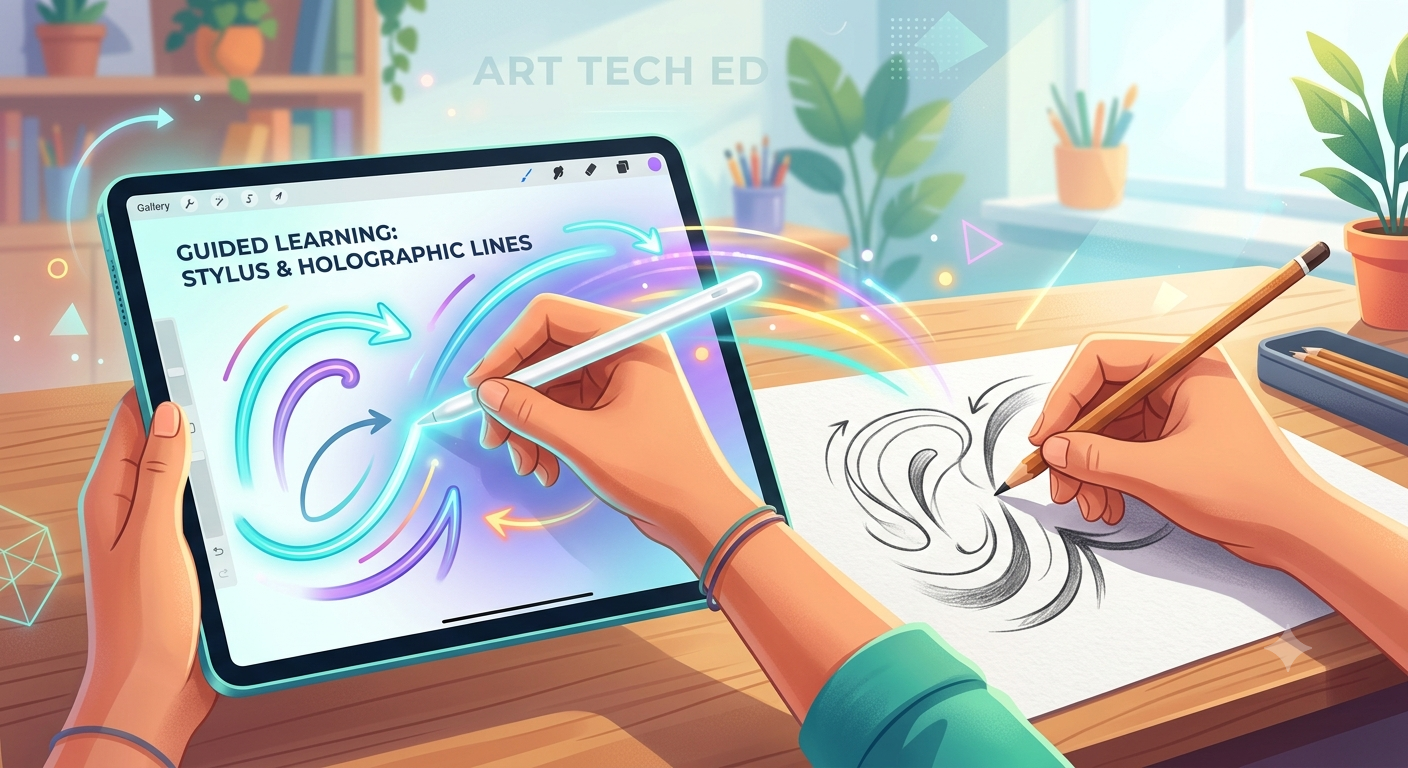
For decades, digital art software has operated under a single assumption: if you build a digital canvas packed with hundreds of brushes, layers, and color palettes, artists will come and create. While professional software suites serve seasoned creators well, this approach leaves beginners staring at an intimidating, blank screen. Providing high-powered digital tools without structured guidance is like handing someone a set of master surgical tools and expecting them to perform an operation. Modern creators need a digital drawing app for learning that actively guides them through the creative process, bridging the gap between mechanical tools and actual skill acquisition.
The Problem with the Blank Canvas Paradigm
When aspiring artists open standard art applications, they are often overwhelmed by technical choices. Decisions about brush opacity, pressure sensitivity, canvas resolution, and layer blending modes get in the way of learning basic drawing fundamentals. The primary barrier for beginners is not a lack of tools; it is a lack of direction, stroke technique, and structural understanding.
Educational art platforms shift the focus from output to learning. Instead of acting purely as utility software, modern drawing solutions act as interactive mentors. By embedding guided drawing methods directly into the user interface, apps can turn creative frustration into steady progress.
How Guided Learning Transforms Skill Development
To help beginners build muscle memory, spatial awareness, and confidence, drawing applications should offer multi-sensory and structured learning paths. Platform features designed for step-by-step guidance allow creators to transition smoothly from fundamental shapes to complete artwork.
- Interactive Step-by-Step Instructions: Breaking down complex subjects into simple geometric shapes helps users understand proportion and structure before tackling fine details. You can explore how structured tutorials work with Sketchdoo's Step-by-Step Drawing Guide.
- Direct Screen Tracing: Tracing allows beginners to feel the flow of a line and understand line weight without worrying about immediate mistakes. Try this approach with Sketchdoo's Trace on Screen Tool.
- Traditional Paper Tracing (Lightbox Mode): Converting mobile screens into virtual lightboxes helps bridge the gap between digital devices and traditional sketchbook practice. Experience this feature using Sketchdoo's Trace on Paper Feature.
- Augmented Reality Projection: Overlaying digital outlines onto real-world paper using camera projection connects hand-eye coordination directly with tangible art supplies. Experience interactive sketching with Sketchdoo's AR Tracing Feature.
- Unconstrained Freehand Practice: Once learners build confidence through guided practice, transitioning to an open digital canvas lets them express their unique style. Practice your freehand drawing on Sketchdoo's Blank Canvas.
Bridging the Digital and Physical Art Worlds
The ultimate goal of any educational art app is not to keep artists locked inside a digital ecosystem forever, but to empower them to draw anywhere. Combining mobile device capabilities with physical pen-and-paper exercises creates a versatile learning environment. By combining modern camera tech, screen-based overlays, and step-by-step visual breakdowns, platforms like Sketchdoo redefine what it means to learn how to draw in the modern era.
As digital education evolves, software that teaches rather than just providing blank space will define the future of digital art creation. Moving from passive toolsets to active, instructional platforms ensures that anyone, regardless of starting skill, can develop a lifelong artistic habit.